Total Commander - file manager
C. Ghisler
Downloads
10,000,000+
Source
Google Play
Click to download now, finish the installation quickly, and directly unlock the all-round experience
Screenshots
Click to download now, finish the installation quickly, and directly unlock the all-round experience
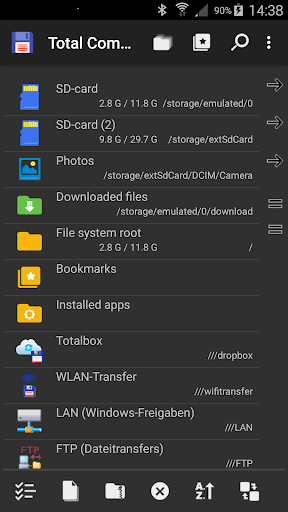
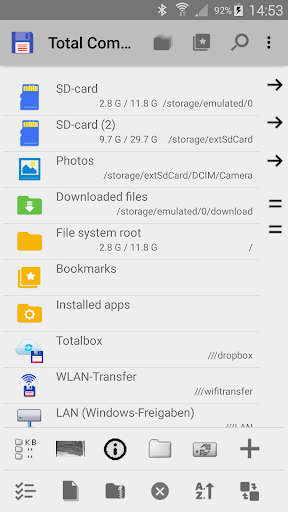
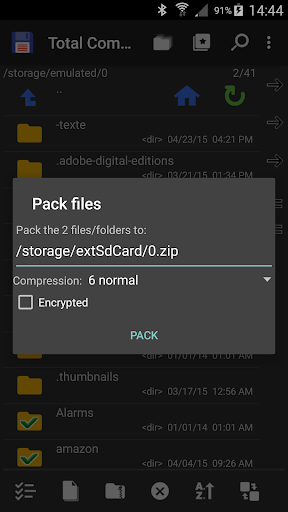
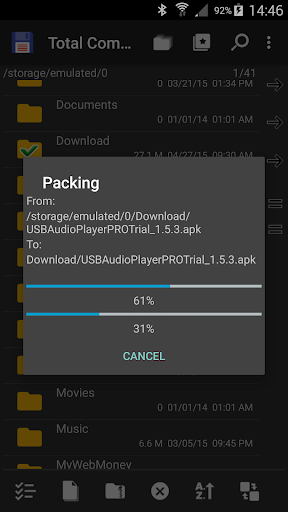
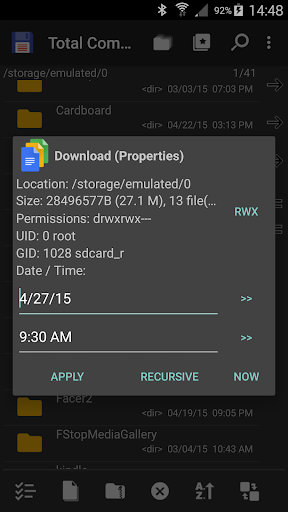
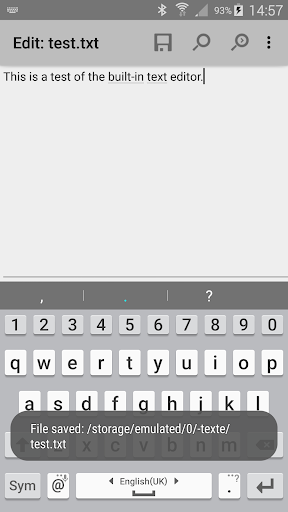
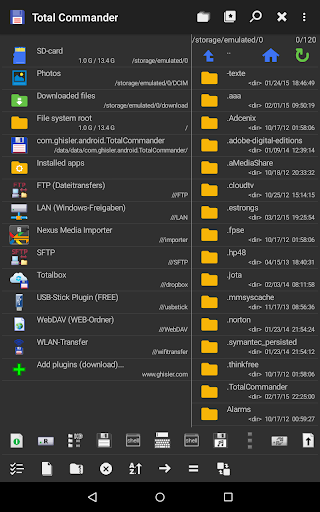
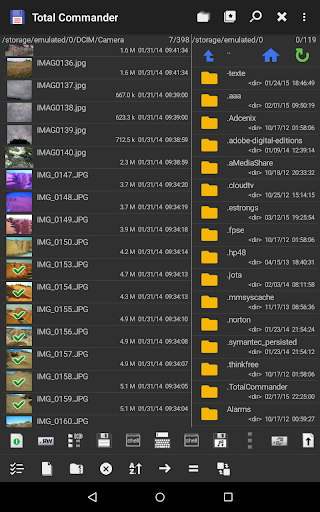
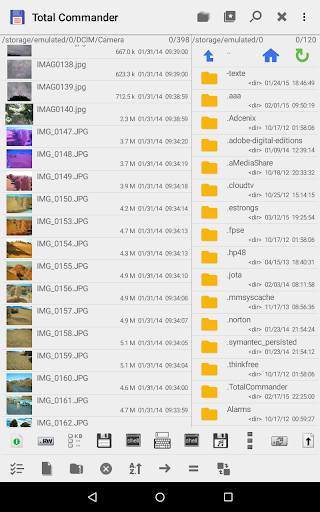
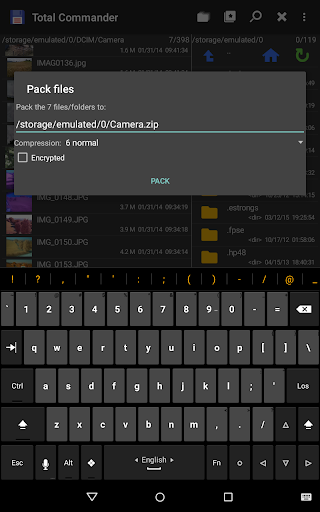
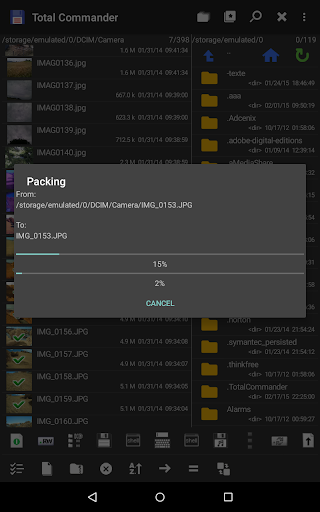
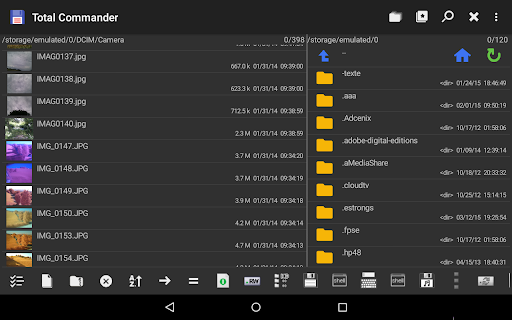
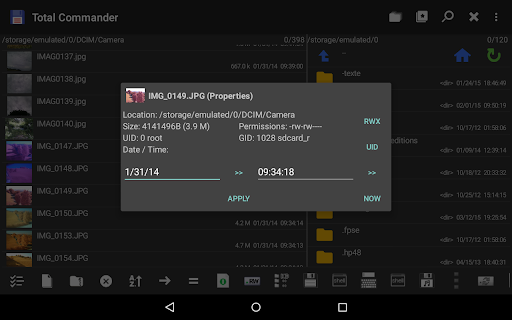
Total Commander is a file manager for copying, moving, renaming and deleting files and folders on an Android device. It can also create folders, search for files or text, and handle ZIP files and RAR archives. A built-in text editor is available for opening and changing text files. Its two-panel layout is useful when you regularly move items between folders; you can also use a virtual two-panel mode.
This suits people who manage their own files and want tools beyond a basic folder browser. You can select groups of files, view image thumbnails, bookmark folders and return to recently visited locations. Deletion is permanent within the app: there is no recycle bin to recover a file from. Check what is selected before deleting.
Total Commander can connect to FTP and SFTP servers, WebDAV folders and LAN shares through plugins. Plugins are also available for cloud services including Google Drive, OneDrive and Dropbox. These connections are not all built into the main app, so using them may mean adding the relevant plugin. The app has no ads, though its home folder includes a link to download plugins.
Root support is optional. On a rooted device, it can let the file manager work with protected system folders; the app warns before writing to a write-protected partition. The SuperUser permission relates to those root functions and has no effect on a device that is not rooted.
Developed by C. Ghisler, Total Commander has a 4.0/5 rating from about 212,500 reviews and 10 million-plus installs. Its many controls and optional connections will suit hands-on file management better than someone looking only for a simple way to browse downloads.