Click to download now, finish the installation quickly, and directly unlock the all-round experience
Screenshots
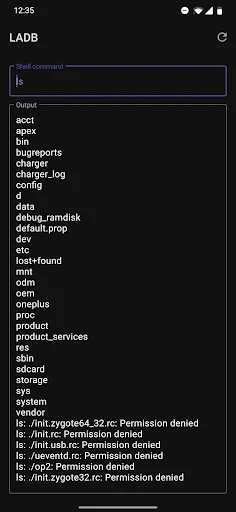
Click to download now, finish the installation quickly, and directly unlock the all-round experience
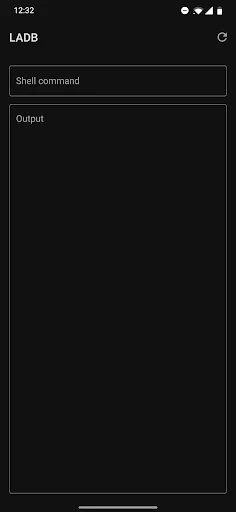
LADB — Local ADB Shell gives you a way to run Android Debug Bridge shell commands from the same device, without connecting it to a computer by USB. It suits people who already know what ADB commands do and want to use them directly on their phone. It is a technical tool rather than a general-purpose settings app: the commands you enter determine what changes, so it helps to understand them before running anything.
The app uses Android’s Wireless Debugging feature to connect its built-in ADB server to the phone. You need a version of Android that provides Wireless Debugging, and you must pair LADB with it. During assisted pairing, keep LADB and Android Settings visible together, such as in split screen: dismissing the pairing prompt too early can invalidate the pairing details. The developer also describes a manual pairing method for cases where assisted pairing does not work.
Pairing may be unreliable on some Android versions, and restarting LADB can help. If connection problems persist, the suggested recovery is to clear LADB’s app data, remove saved Wireless Debugging connections in Settings and reboot. The supplied guidance also warns that LADB may not connect properly while Shizuku is installed; using both may require removing Shizuku and restarting the phone. These are useful caveats if you want a tool that works without setup or occasional troubleshooting.
LADB is published by tytydraco in the Tools category. It has a 3.54 rating from 1,077 reviews and 50,000+ installs. The developer says the app does not send device data outside the app and does not collect or process it. No storage figure or detailed phone requirements are provided here, so the clearest compatibility check is whether your Android settings include Wireless Debugging.