Click to download now, finish the installation quickly, and directly unlock the all-round experience
Screenshots

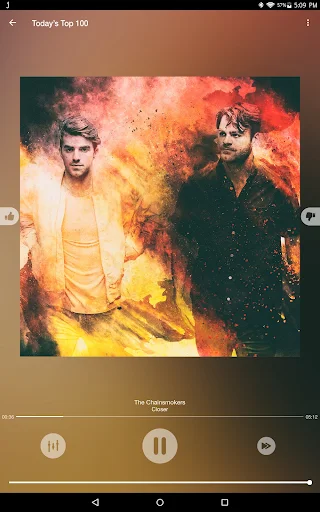
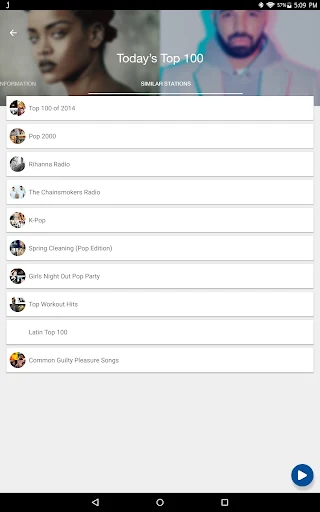
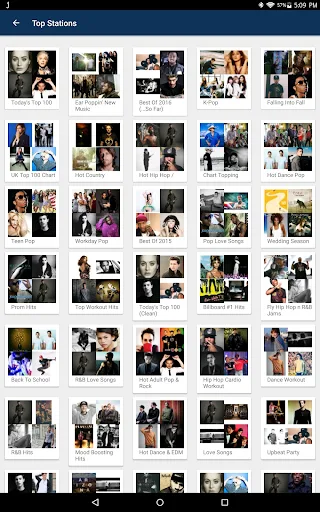
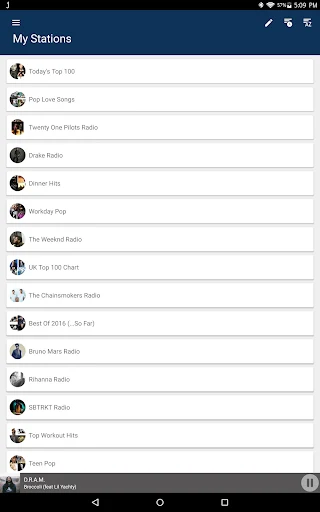
Click to download now, finish the installation quickly, and directly unlock the all-round experience
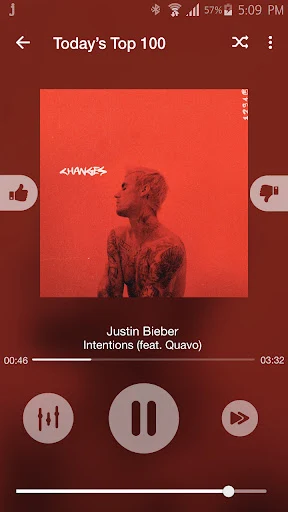
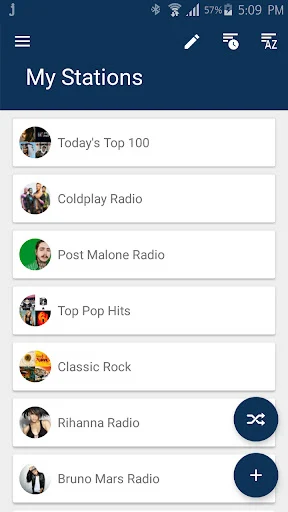
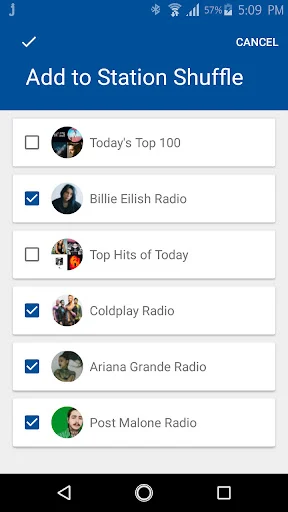
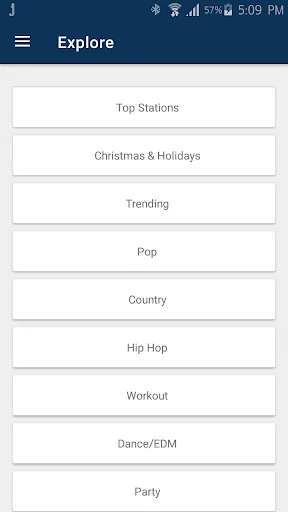
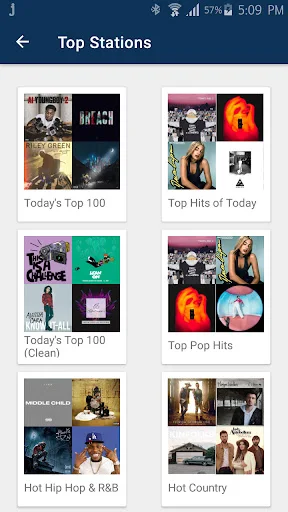
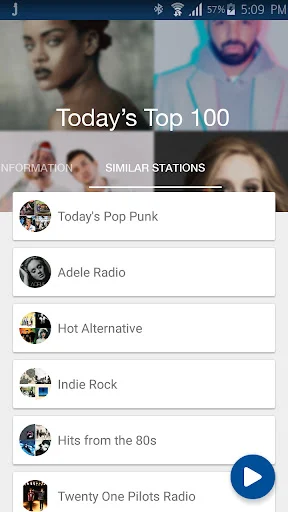
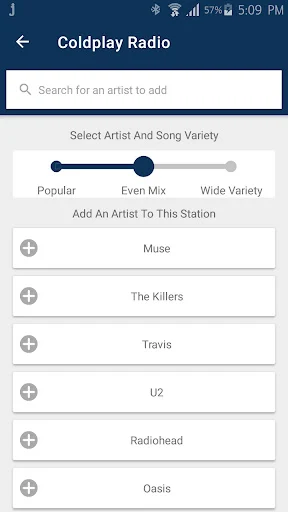
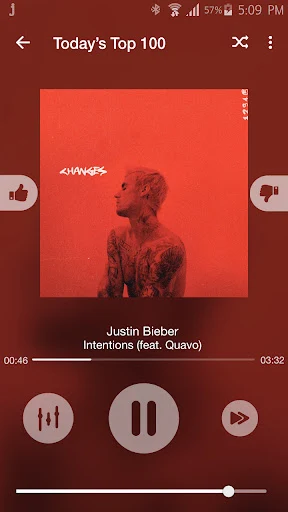
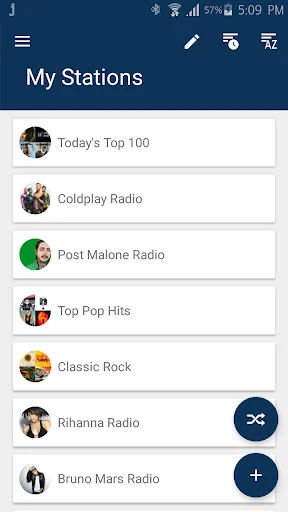
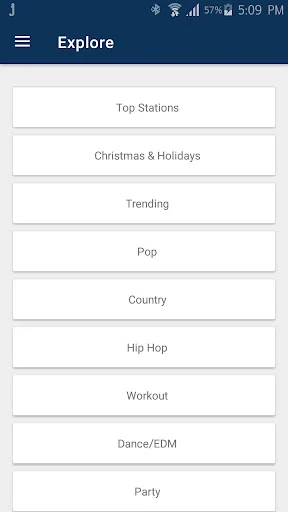
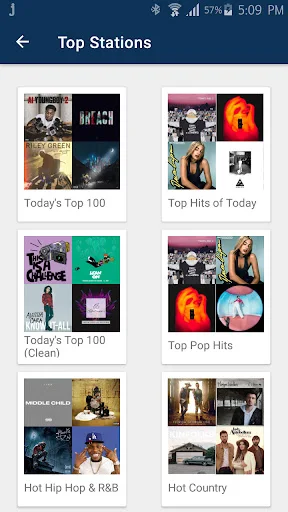
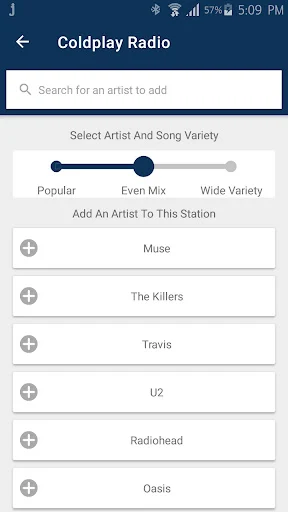
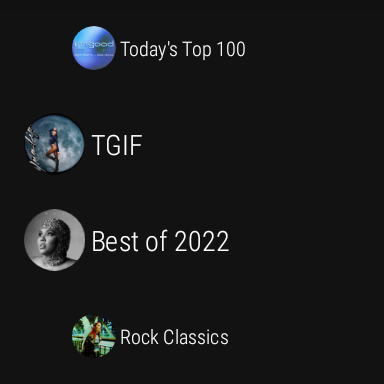
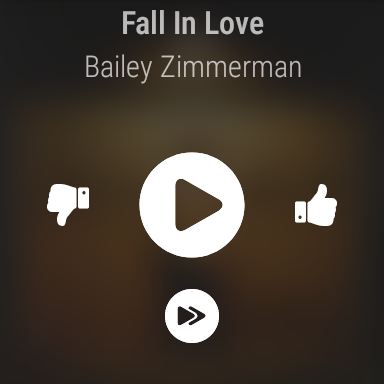
Jango Radio creates stations from an artist, band or genre you choose, mixing that starting point with similar music. You can also pick from programmed genre stations, then adjust a station by adding artists or excluding songs. It suits listeners who want music to keep playing and are open to discovery, rather than people looking to choose and play a specific track on demand.
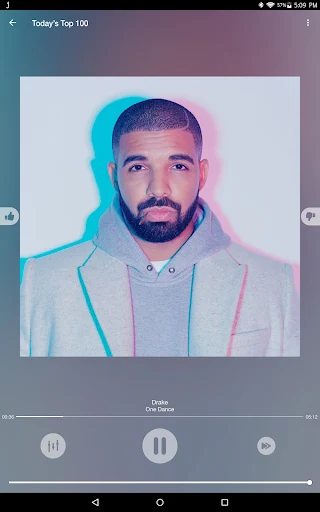
Stations are streamed, so you’ll need an internet connection while listening. On mobile data, that means music can count toward your plan; Jango offers an audio-quality setting to help reduce data use, including when roaming. The service is described as free to listen to, without ads or commercial breaks. A sleep timer can stop playback after a set period, which is useful for listening before bed.
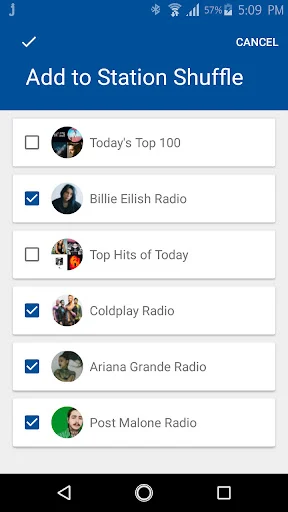
If you already use Jango on the web, you can sign in to access your stations on Android. The app also supports blocking music with explicit language and sharing stations with friends. These options make it more adaptable for different listening preferences, though the core experience remains radio-style playback rather than a collection of tracks you manage yourself.
Jango.com is the developer. The app has a 4.3-star rating from about 112,754 reviews and more than 10 million installs, suggesting it has a broad audience. The available information does not give an app size or Android-version requirement, so there isn’t enough to judge its storage footprint or confirm support for a particular older phone. The clearest practical consideration is having a reliable connection and enough data for the amount you listen.