Click to download now, finish the installation quickly, and directly unlock the all-round experience
Screenshots

Click to download now, finish the installation quickly, and directly unlock the all-round experience
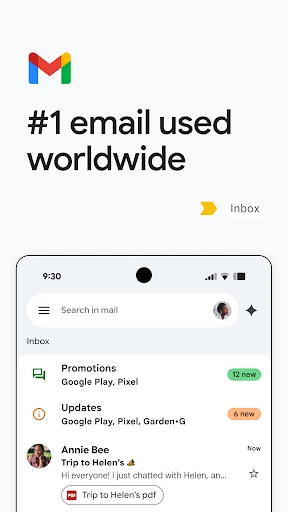
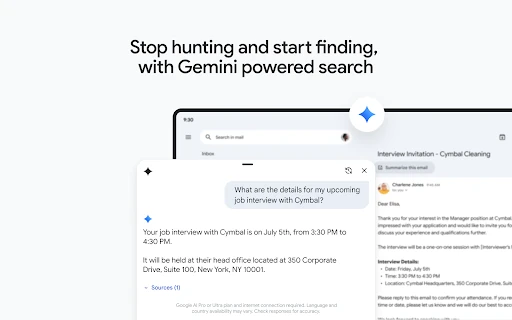
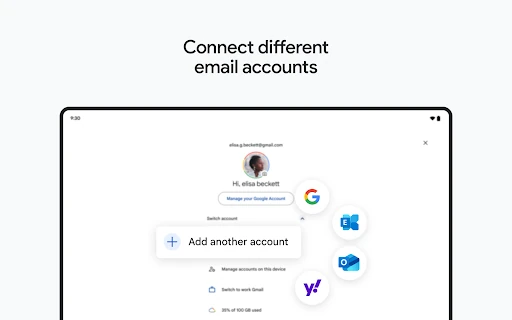
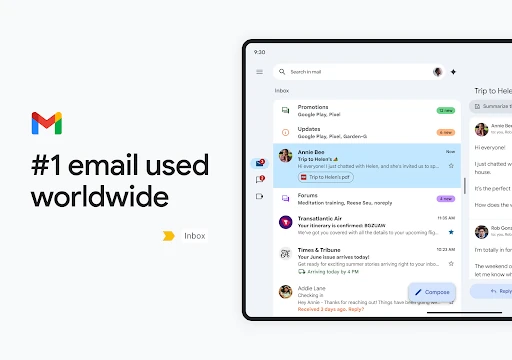
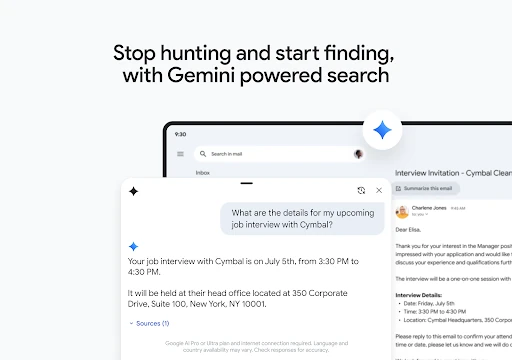
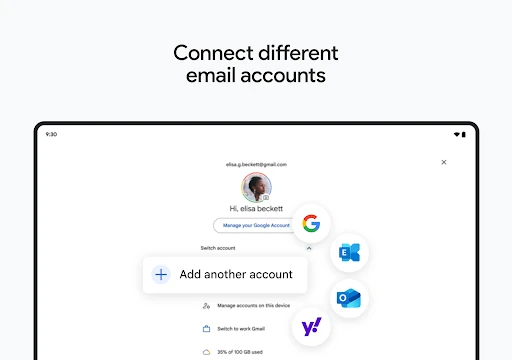
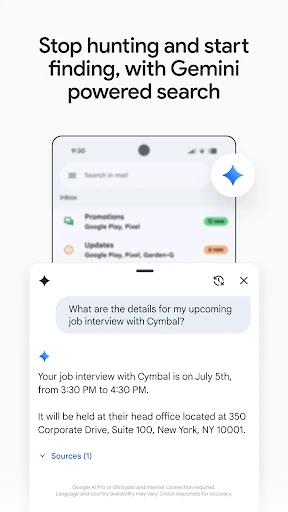
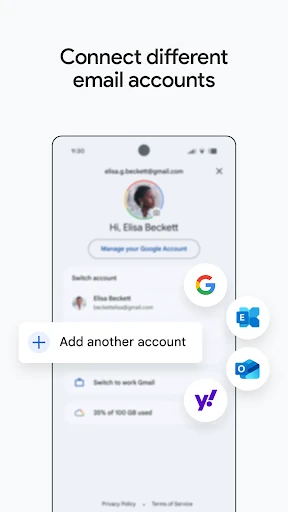
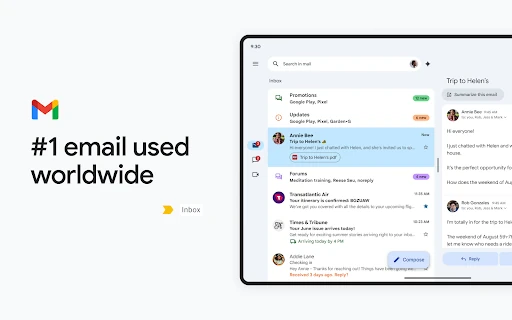
Gmail is Google’s email app for reading, sending and organising messages on an Android phone. It suits people who already use a Google account, as well as anyone who wants to keep several email accounts together in one inbox. Search helps when you need to find an older message instead of scrolling through your mail.
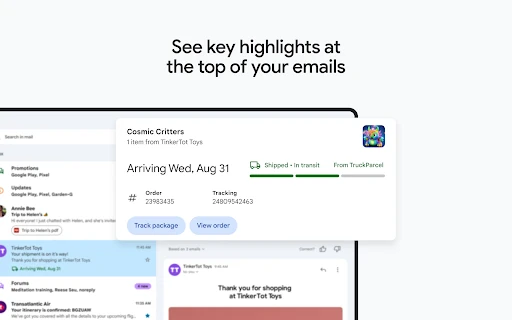
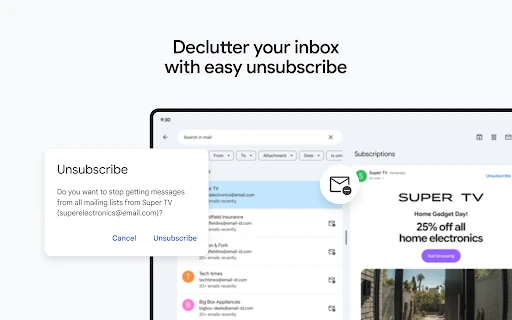
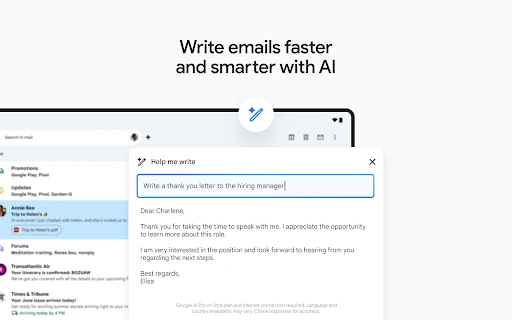
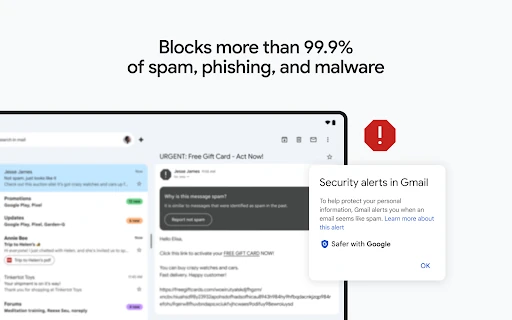
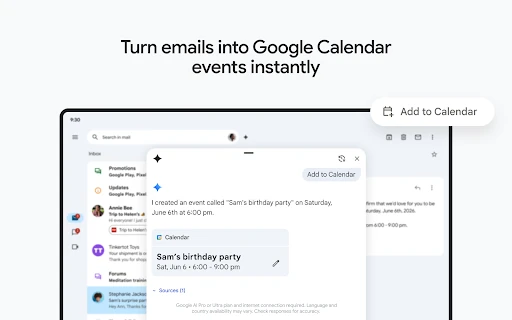
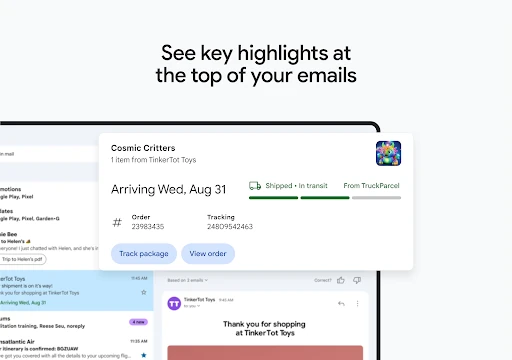
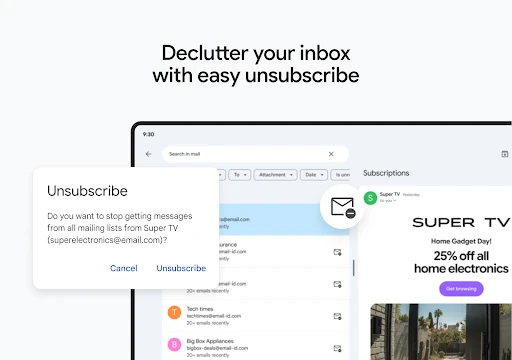
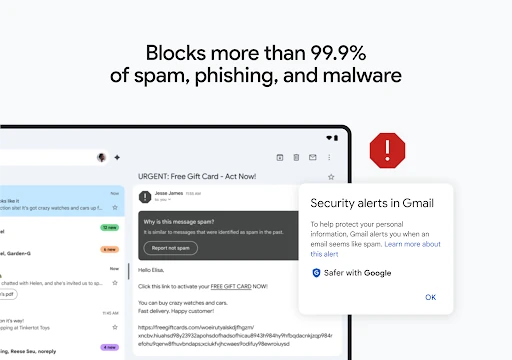
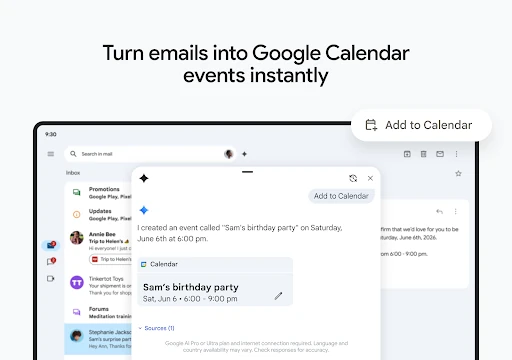
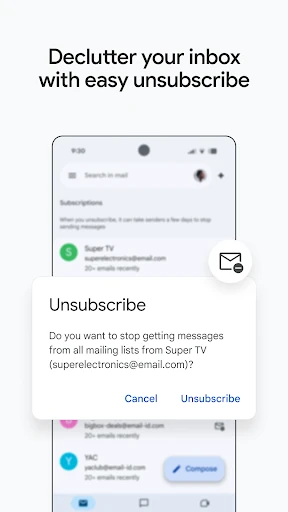
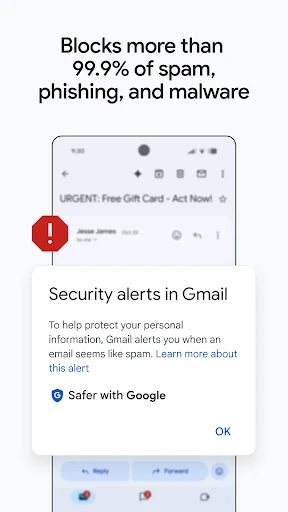
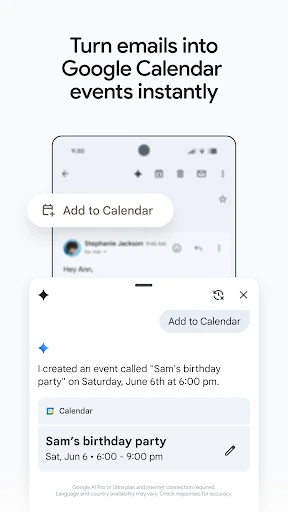
You can sort messages into categories, deal with unwanted mail and manage conversations in one place. Gmail also connects email with other Google services, which can be useful if your messages include plans, files or meeting details. If you only check email occasionally, the extra organisation and connected tools may be more than you need; the core job is still managing your inbox.
The available details do not include Gmail’s app size, minimum Android version or permission list, so there is not enough information here to give a precise storage estimate or say whether it will run on a particular older phone. Email content and attachments can also take space as they accumulate. Check the app listing on your device for its current requirements before installing, especially if storage is tight or your phone runs an older Android version.
Gmail is developed by Google LLC and is listed in Communication. Its rating is about 4.1 out of 5 from more than 14 million ratings, with over 10 billion installs. Those figures show that it is widely used, but they do not guarantee that its layout or tools will suit your habits. It is a sensible choice if you want a familiar, searchable inbox tied to Google; people who prefer a very simple mail app may find the surrounding features unnecessary.